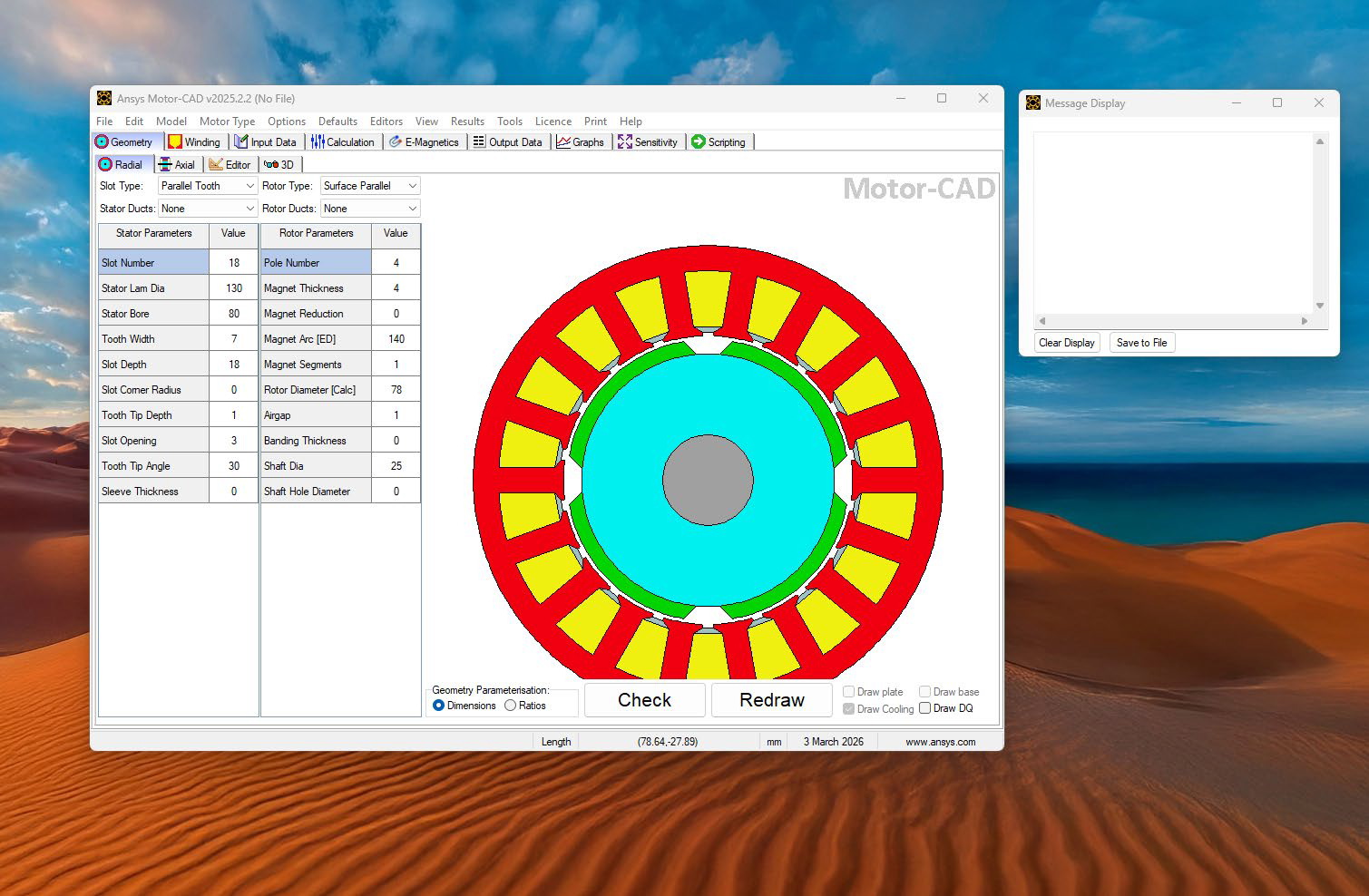
Ansys MOTORCAD 2025_R2 Installation Instructions in Windows
Ansys MOTORCAD 2025_R2 Installation Instructions in Windows
Note: For latest version of Ansys, check CIC software repo (http://swrepo.iitkgp.ac.in).
1. Run \\swrepo.iitkgp.ac.in to login in to the software repo
Login Id/Password : guest
2. Go to Software Repository
3. Go to folder Ansys2025R2
4. Go to folder Win and download respective ansys module zip package.
(e.g. for Fluid Structure, download MOTORCAD_2025R2_WINX64.zip package)
5. Extract the package to MOTORCAD_2025R2_WINX64 folder.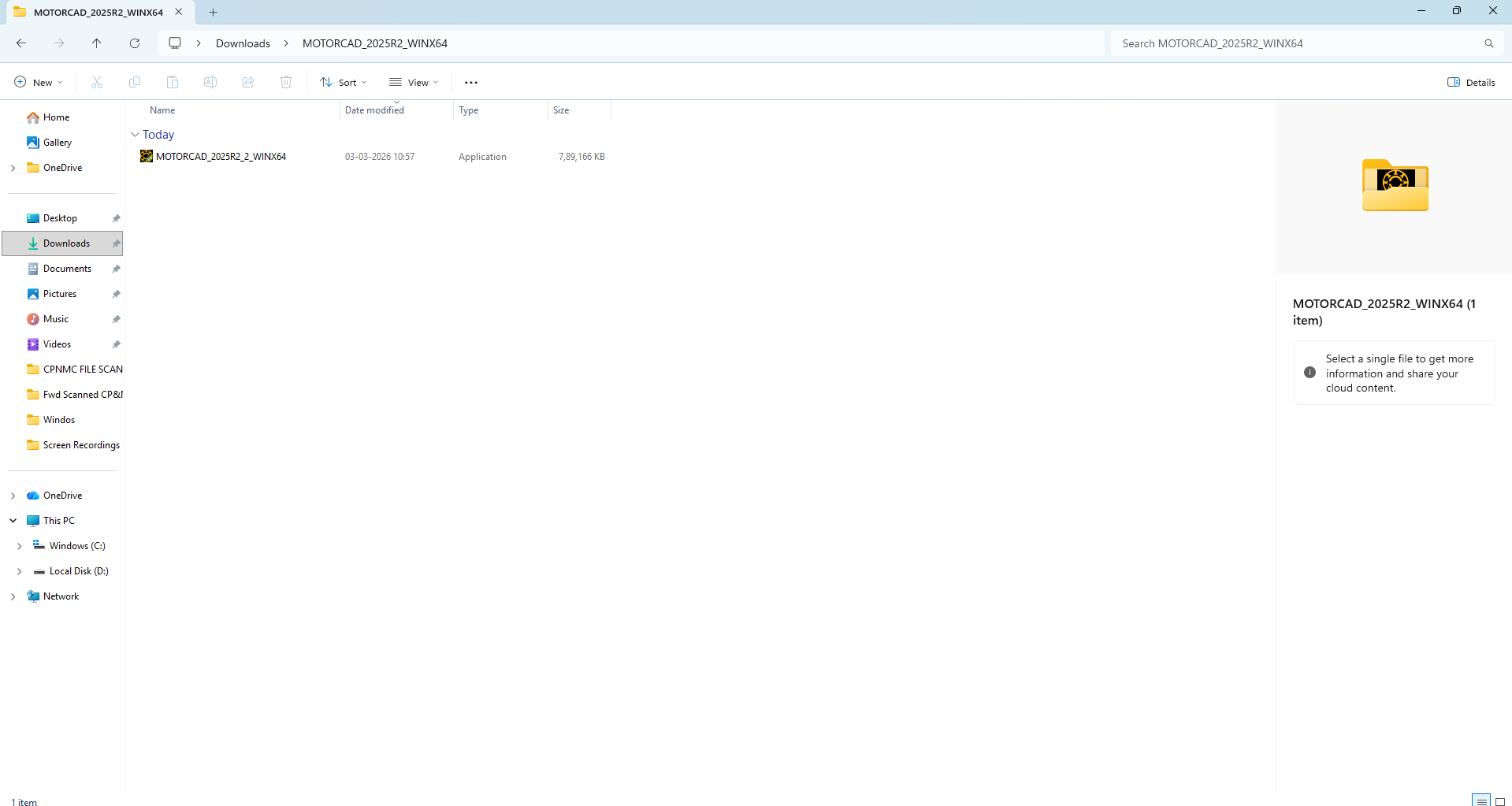
6. Go to MOTORCAD_2025R2_WINX64 folder, right click on MOTORCAD_2025R2_2_WINX64 file and click “Run as administrator”.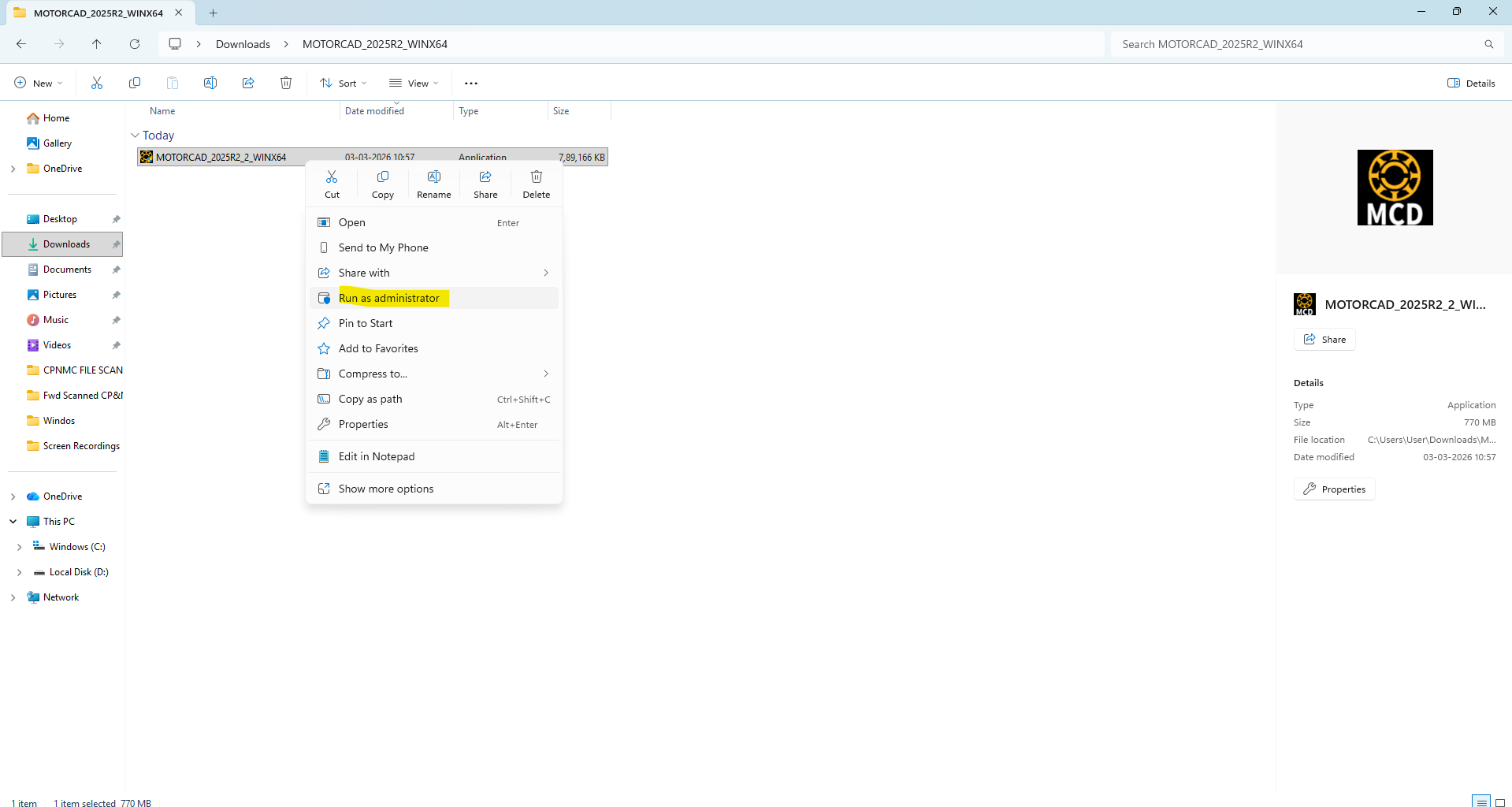
7. Installation will start.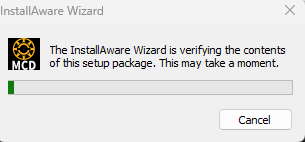
8. Click Next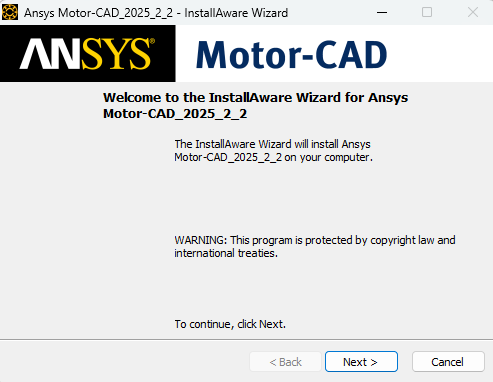
9. Accept the terms and click Next.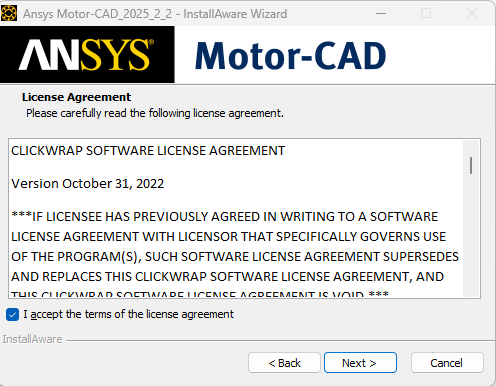
10. Check if required disk space is available. If yes then click Next, else create enough space for installation of install or install it in another drive where the required space is available.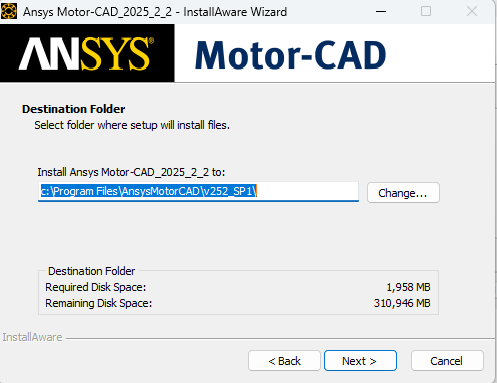
11. Click Next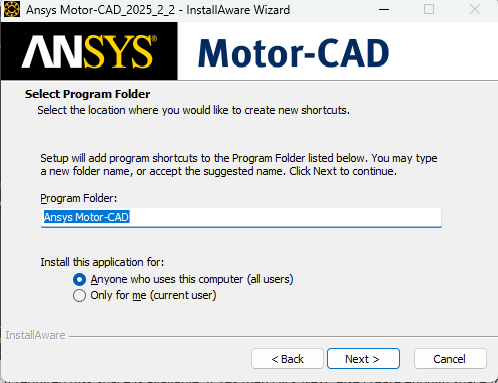
12. Installation will start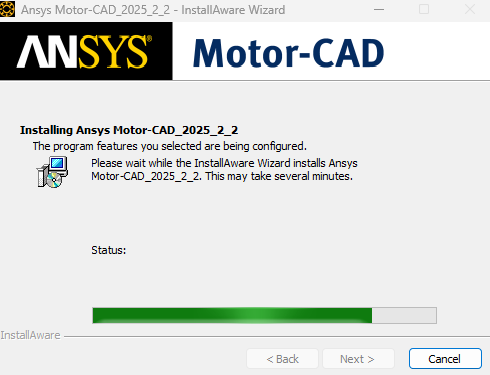
13. Click Finish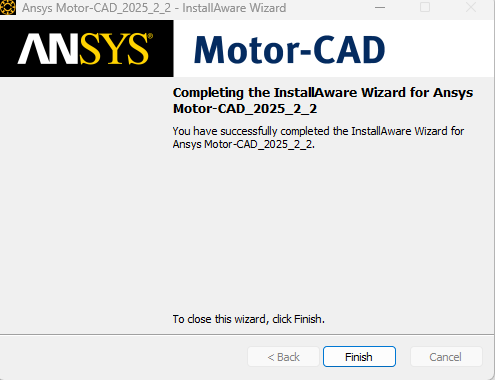
14. Navigate to Windows Start > Ansys Motor-CAD > Ansys Motor-CAD 2025.2.2 to open Motor-CAD.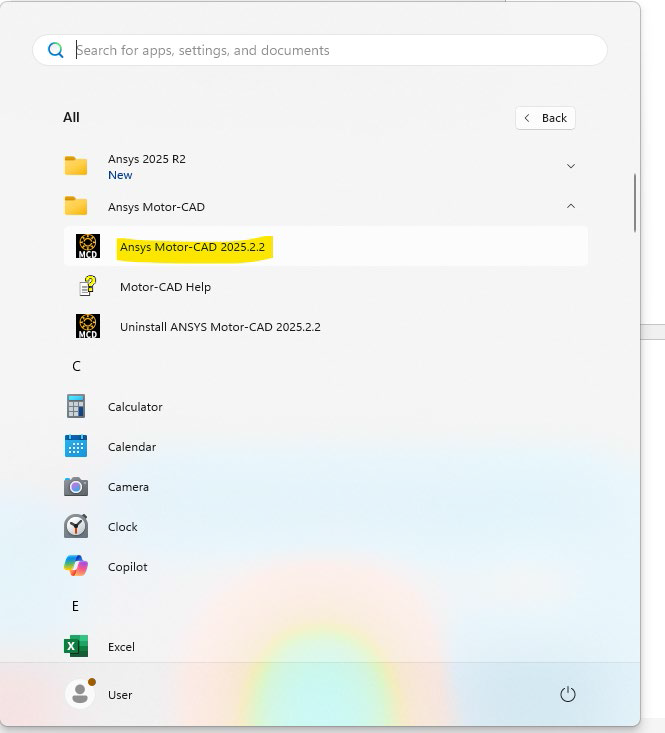
15. Ansys Motor-CAD will start