
Ansys FluidStructures_2025_R2 Installation instructions in Windows
Ansys FluidStructures_2025_R2 Installation instructions in Windows
Note: For latest version of Ansys, check CIC software repo (http://swrepo.iitkgp.ac.in).
1. Run \\swrepo.iitkgp.ac.in to login in to the CIC software repo
2. Go to folder Ansys2025R2
3. Go to folder Win and download FLUIDSTRUCTURES_2025R2_win64.zip.
4. Extract the Zip file using 7-Zip or similar tools in local disk . Extract the package to FLUIDSTRUCTURES_2025R2_WINX64 folder
5. Go to FLUIDSTRUCTURES _2025R2_WINX64\ folder, right click on setup and click “Run as administrator”.

6. Click on Install Ansys Products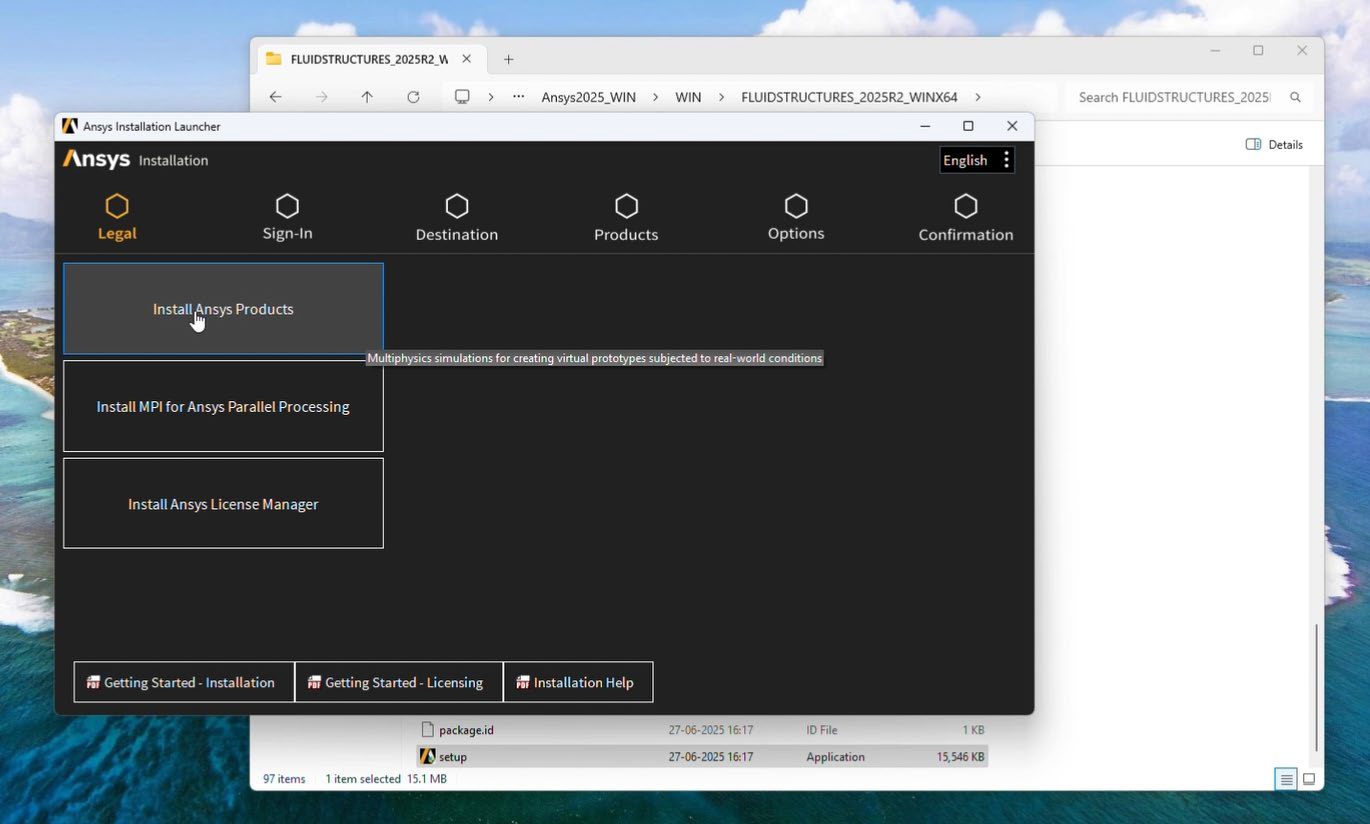
7. click on I agree and then click Next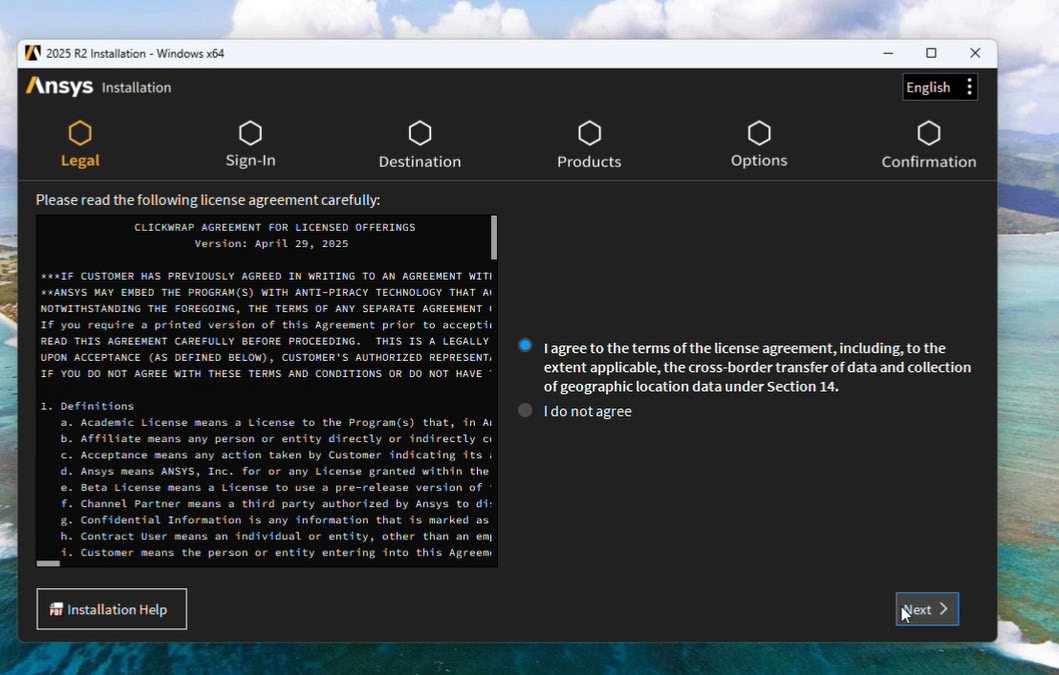
8. By default C:\ is selected for installation. But if there is not enough space in C:\ drive then select other drive.
9. Deselect Associate file extensions. Click Next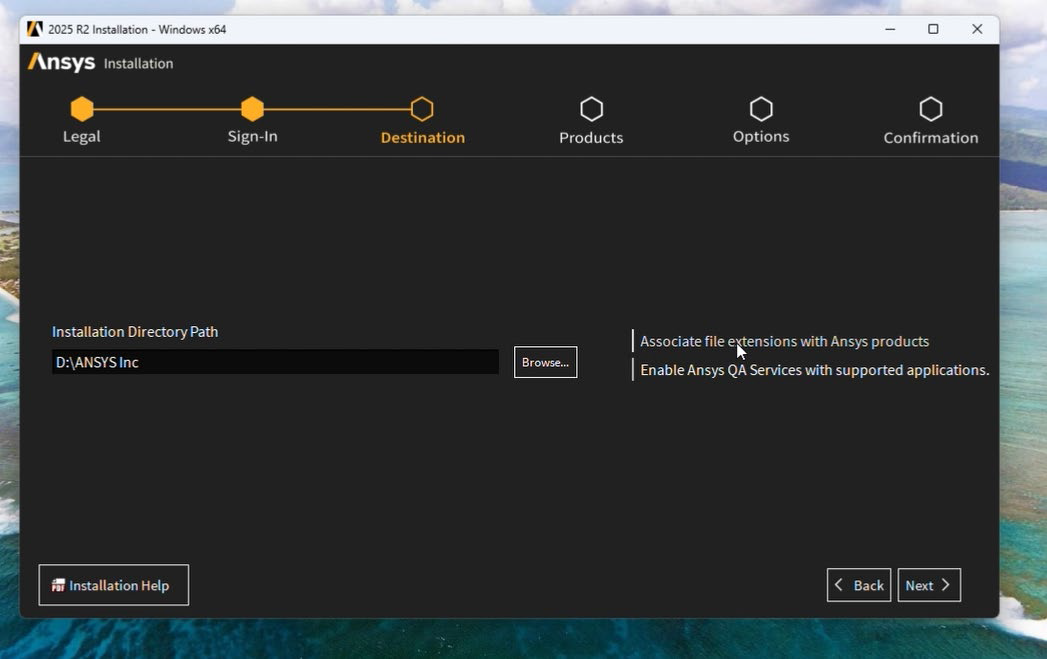
10. Deselect Applications
11 Select Applications and click Next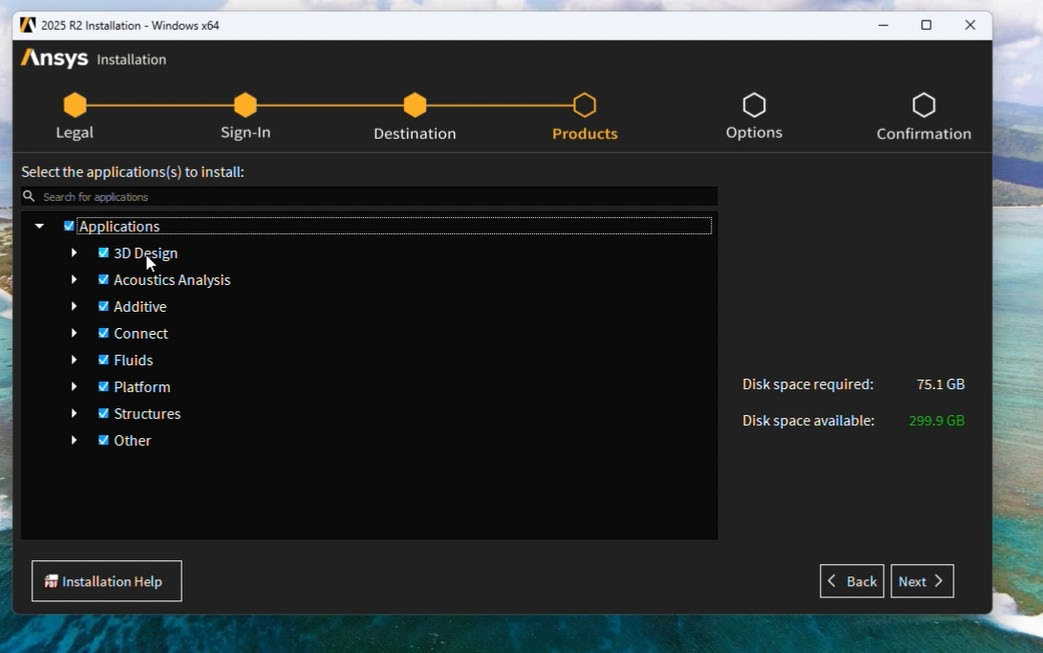
12 Select Yes, automatically configure my interfaces. Then Click Next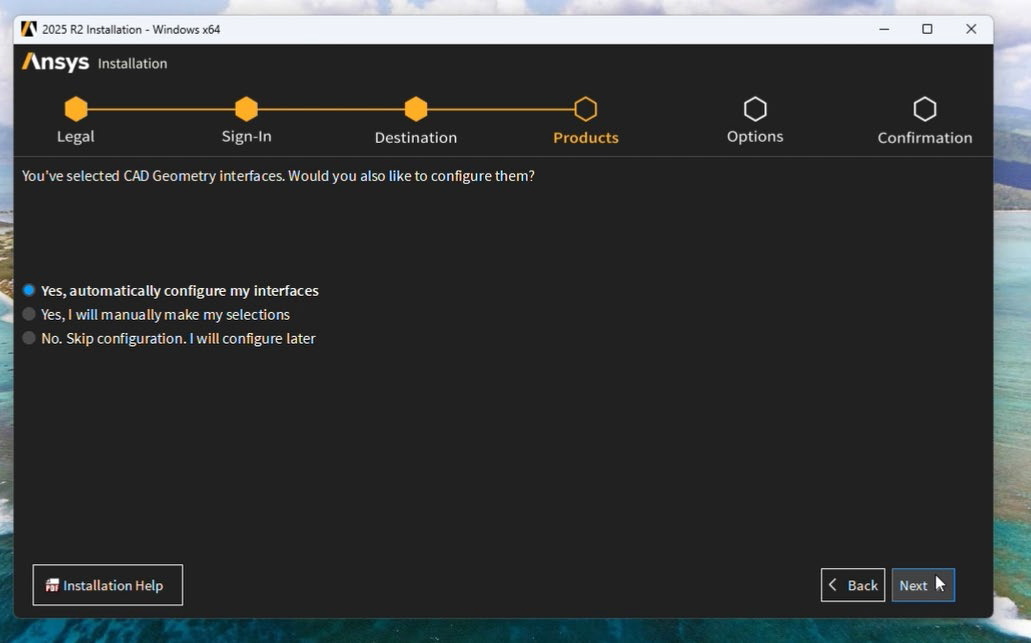
13. Click Next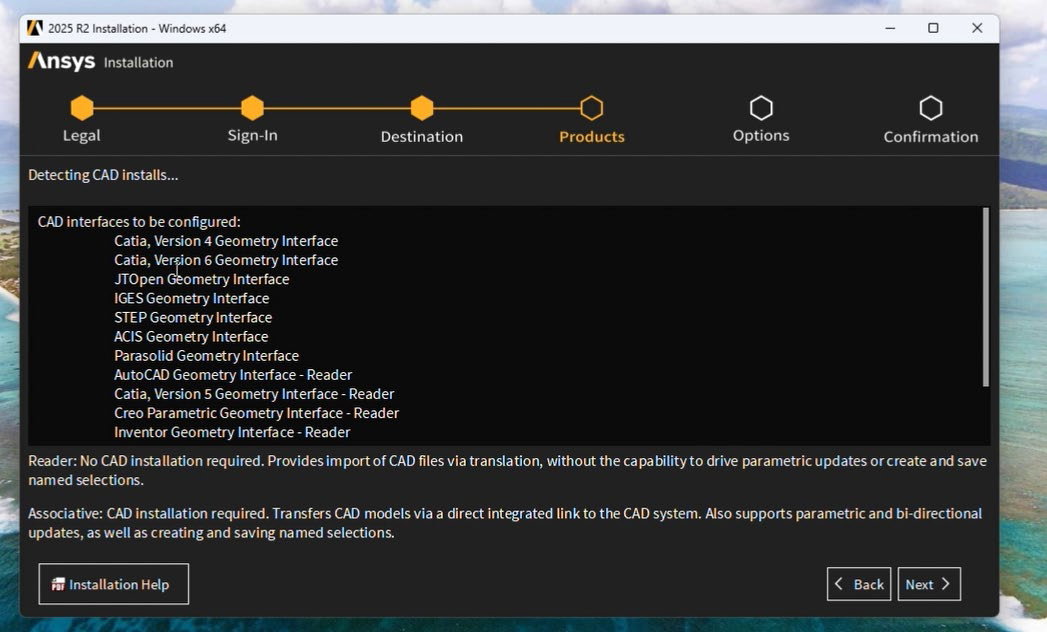
14 Click Next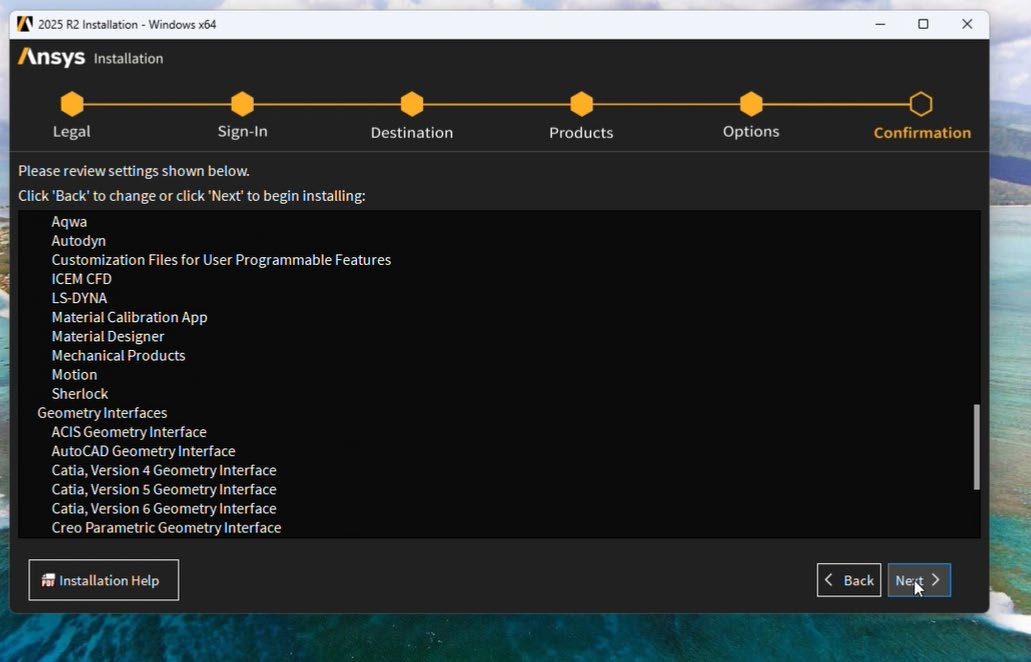
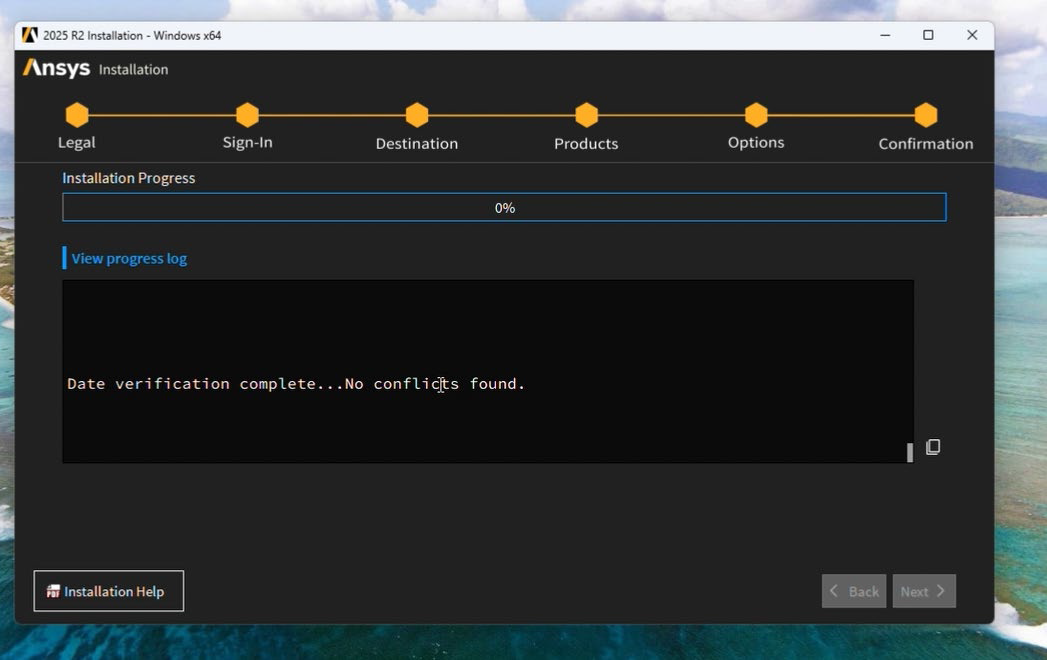
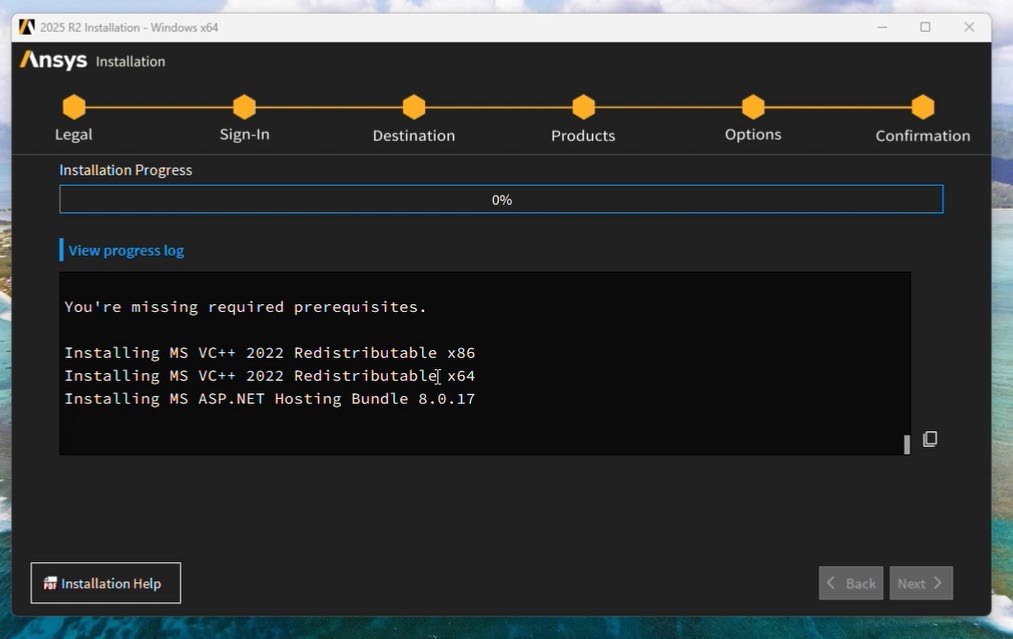
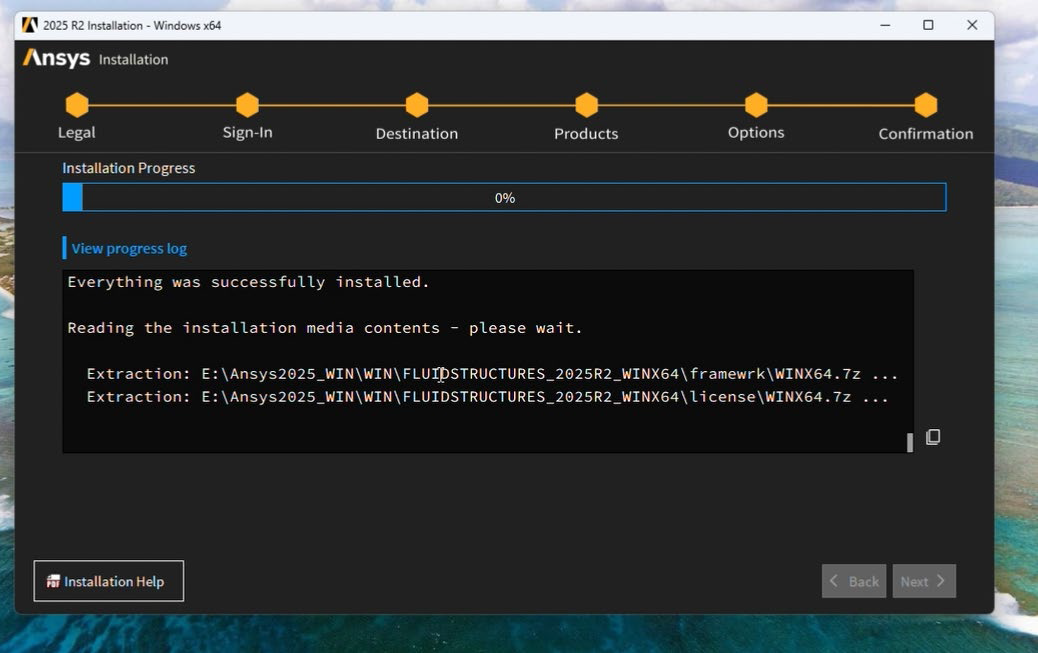
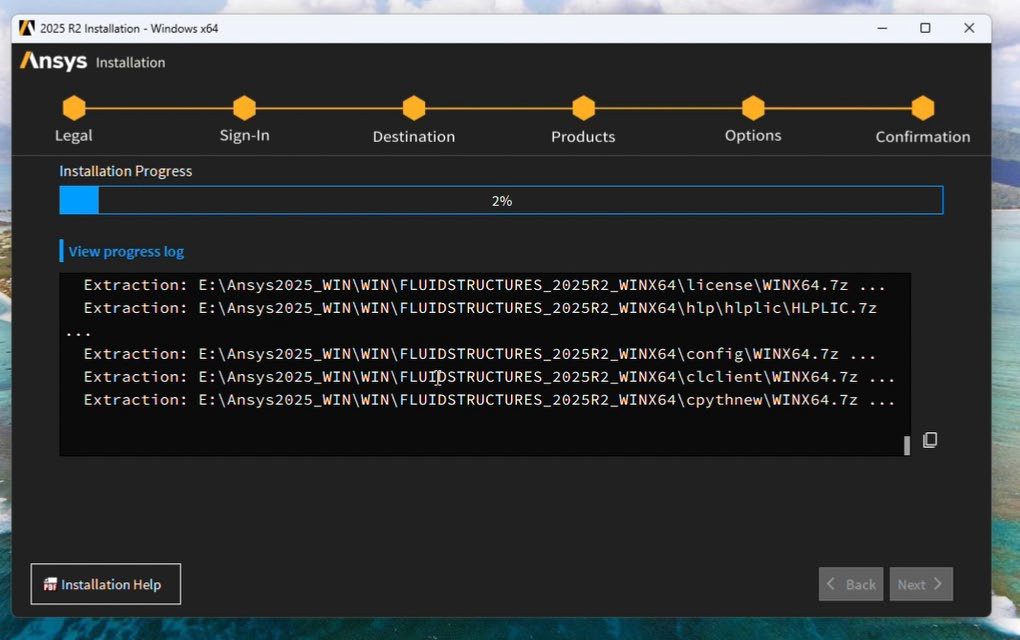
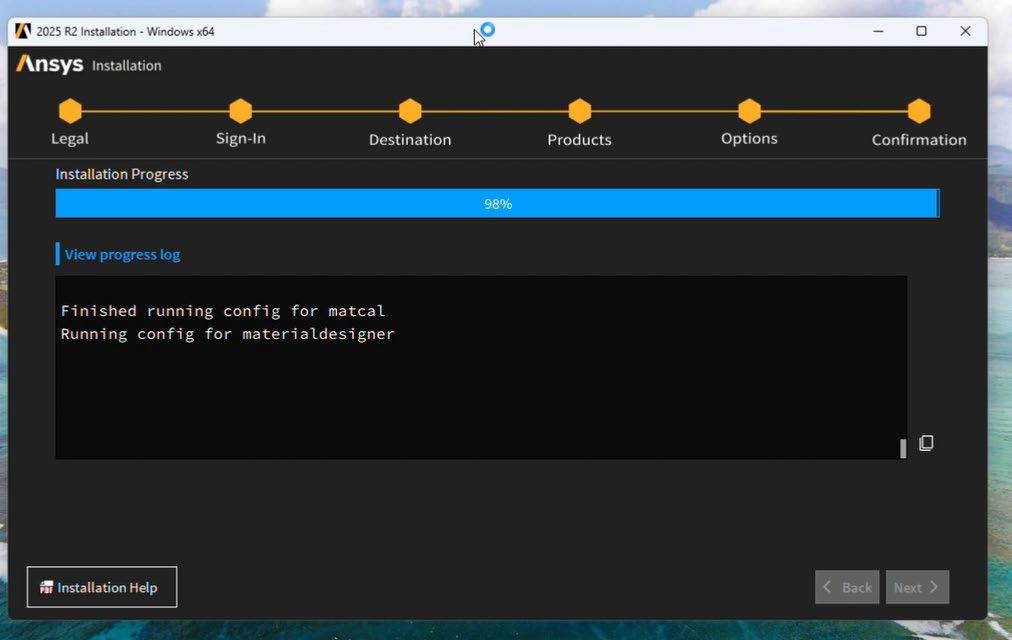
15 Click Next to continue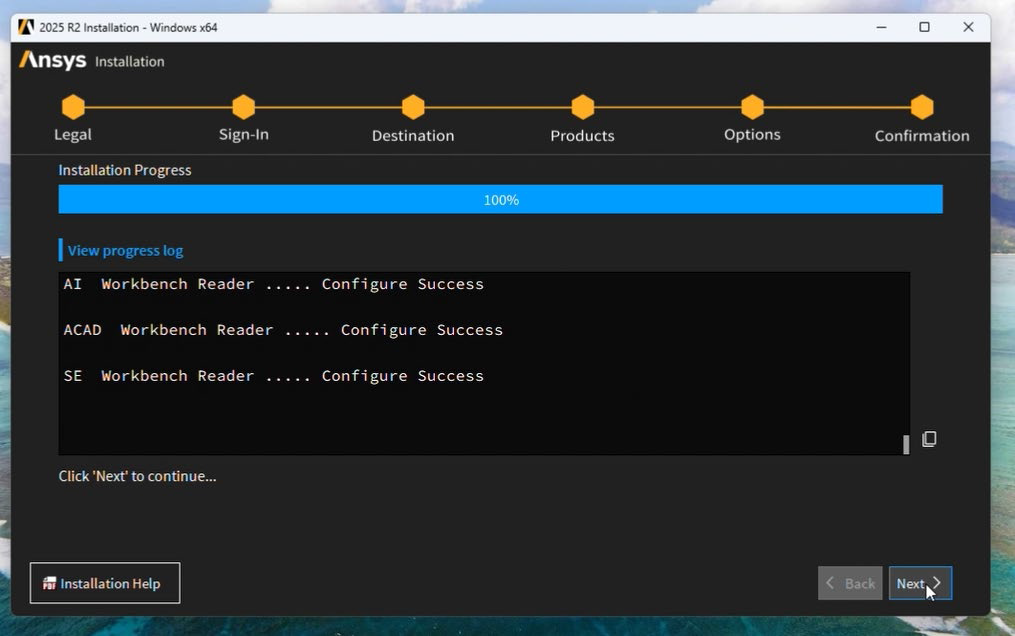
16 Deselect Launch survey upon exiting. Click Exit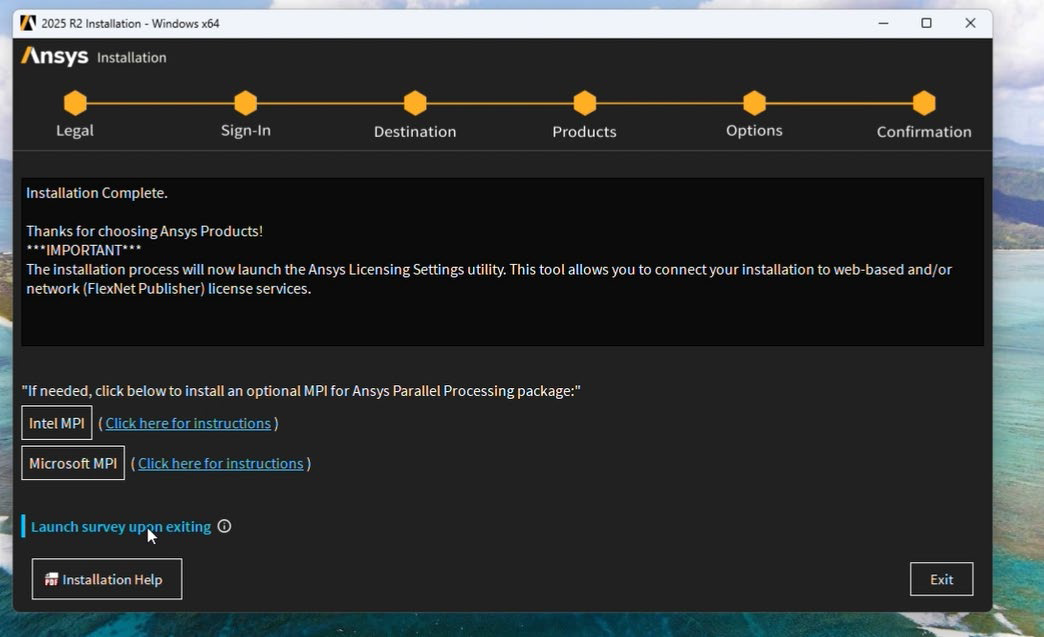

17 Select Enabled. Port 1055 and Server 1 as ansys.iitkgp.ac.in Then click Test and Save the settings.
18 Close the window. Click Start and select all .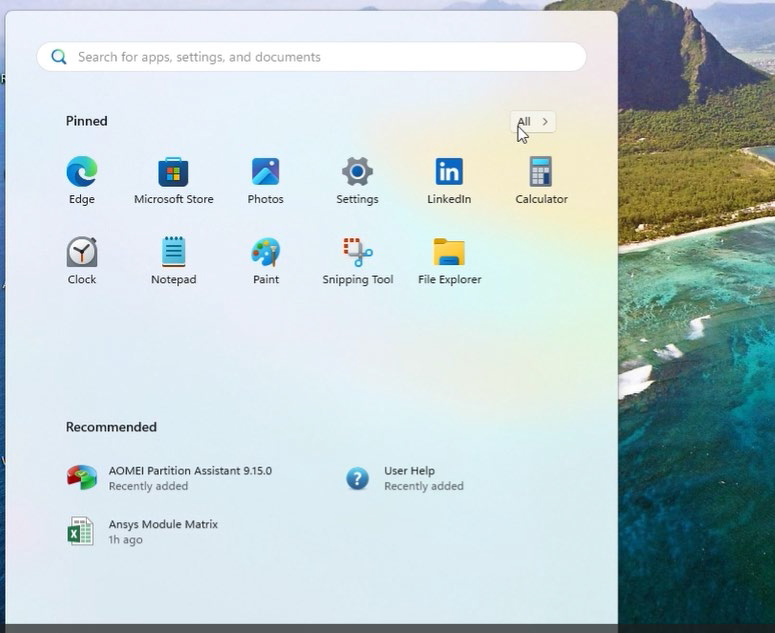
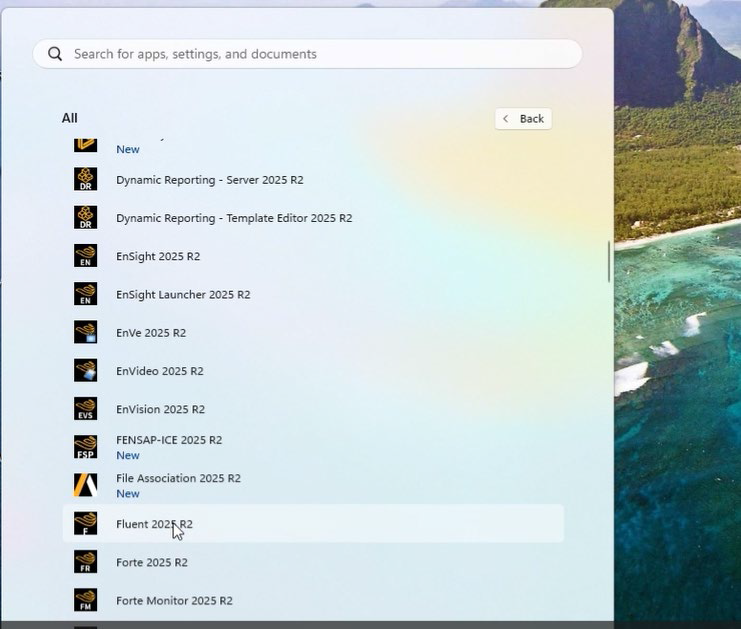
19 Search Fluent 2025 R2 and launch it.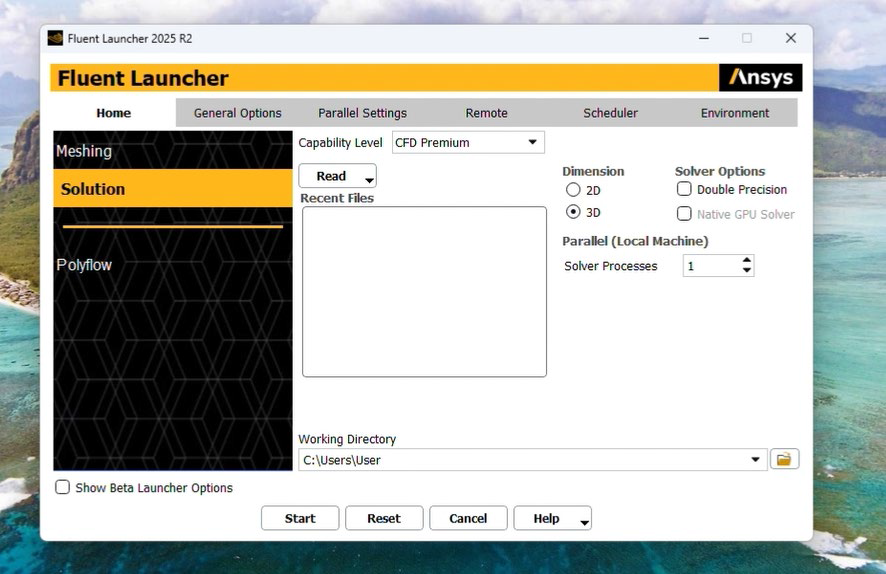
20 Fluent launched.